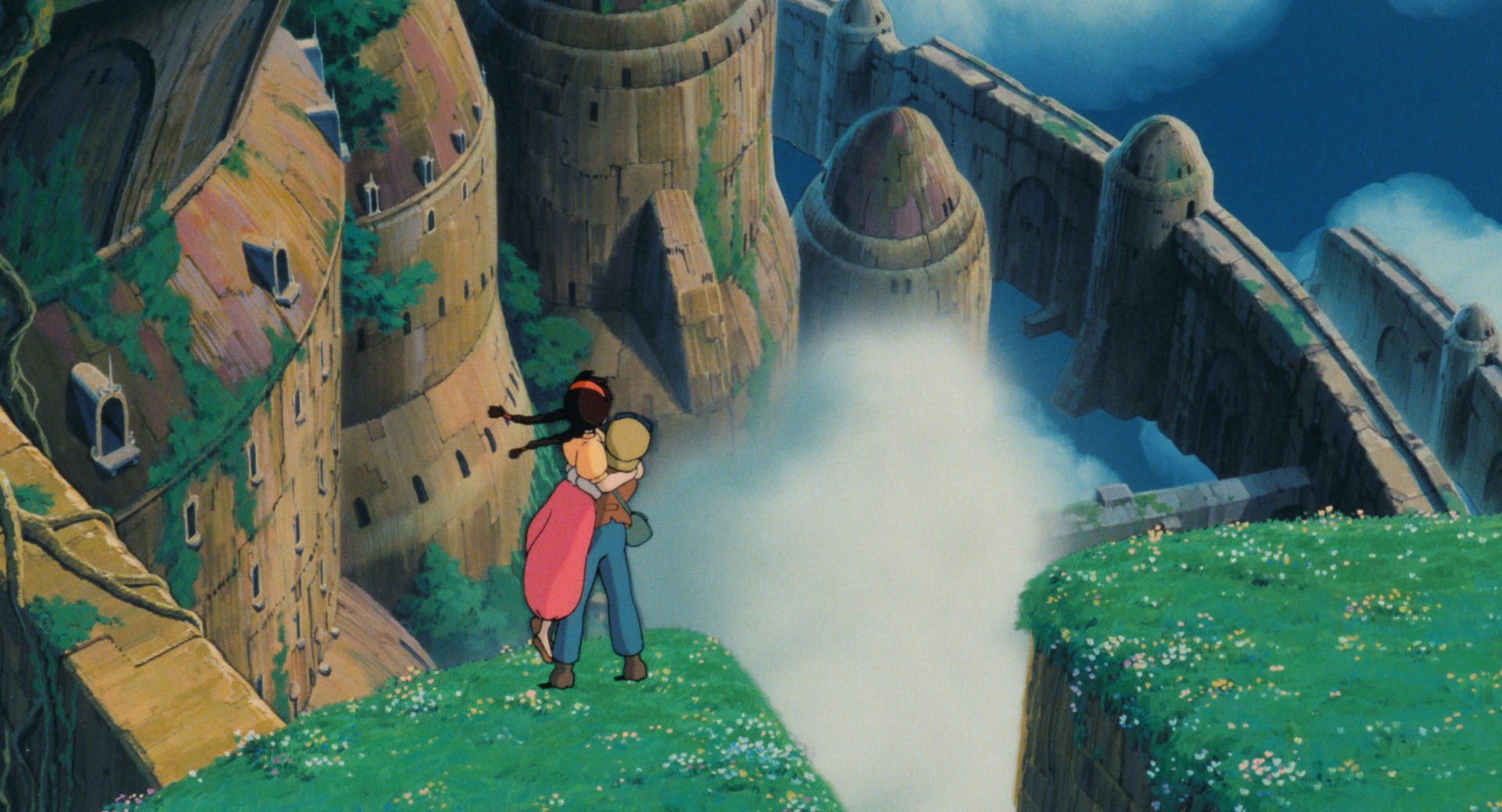
If looking for "adventure" go with Laputa, Cagliostro, maybe Porco Rosso.
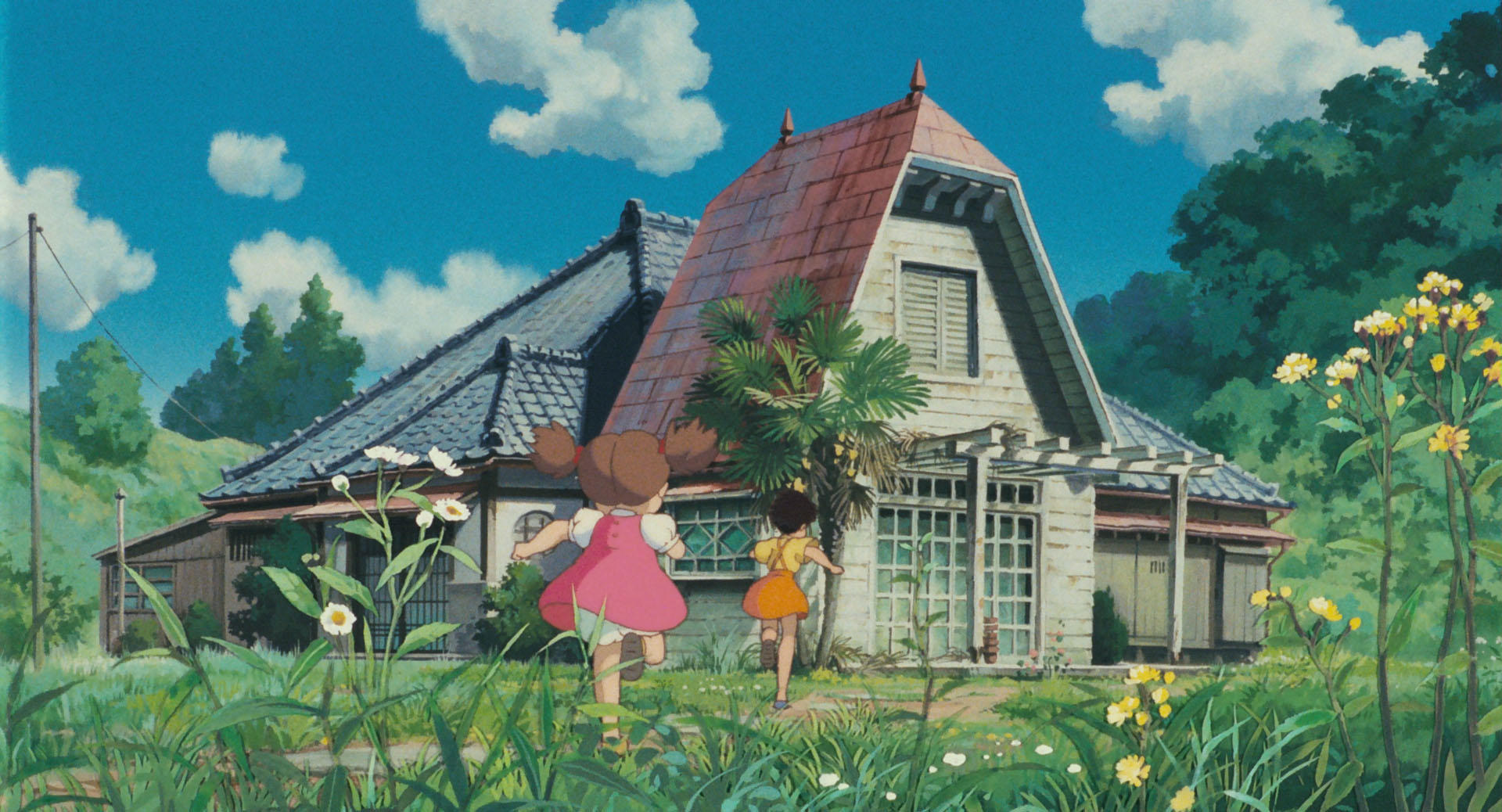
If looking for something "warm" go with Totoro, Kiki, Ponyo.
If looking for something more "fantastical" (probably also more complex) try Howl's, Spirited Away, Nausicaä, Mononoke.
If you are willing to consider a TV show, then Sherlock Hound is really fun and delightful in every possible way. The complete series is IIRC 26 episodes.
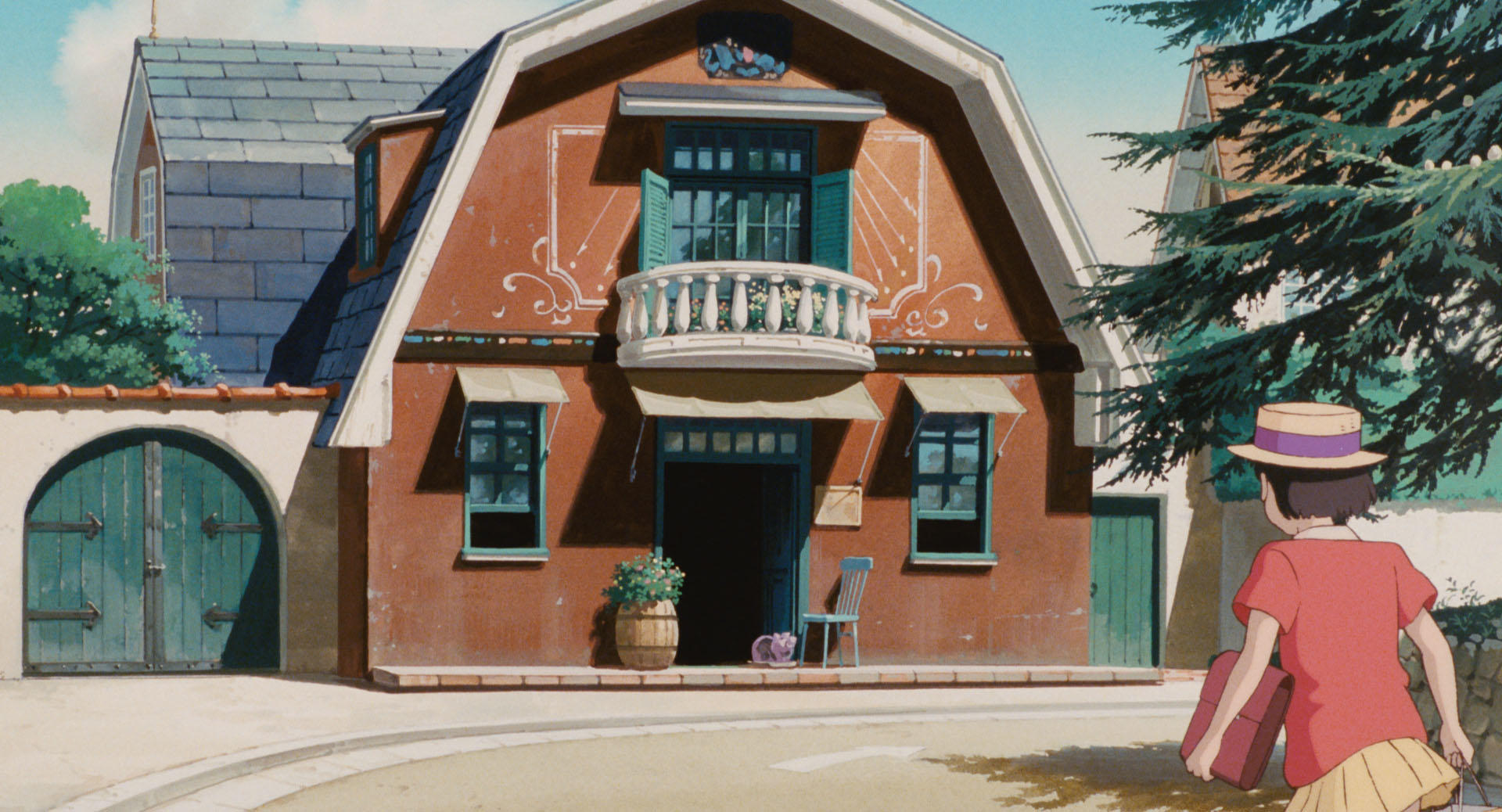
Also, there are some non-Miyazaki but still Ghibli films which you may want to consider too. Personally, I absolutely love Mimi wo Sumaseba and I can hear the sea, but these may well be a bit uninteresting for a 10 year old; better for a teen probably over 15 I'd guess. Pompoko is clearly recommended for your age bracket though, and it's fun too.
Finally, there's the question of Grave of the Fireflies. I think 15 is probably fine, 10... maybe. But in any case, be warned that it's a very sad story and I have very rarely met someone who could watch it without crying profusely.
I choose some rows and columns... and when I click the "generate HTML" button:
a. it makes a request to some /admin-ajax.php
b. the request fails, returning a "400 Bad request"
c. the user gets no feedback at all, making it appear as if the button does nothing at all
What's weird is that the actual HTML seems to be correctly generated in the client because it is sent in the request to admin-ajax.php. So, that request doesn't seem to be needed and it breaks the functionality.
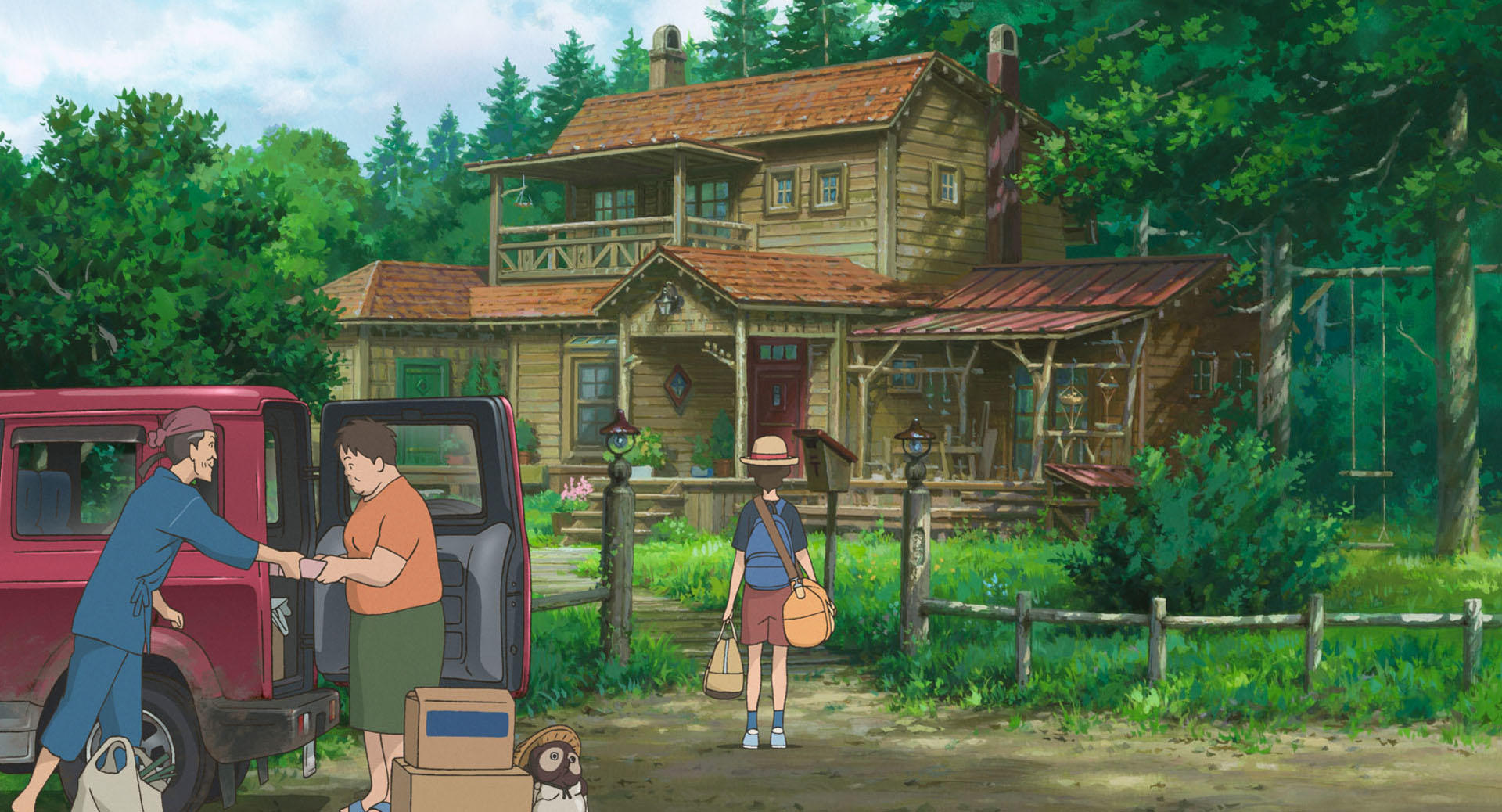
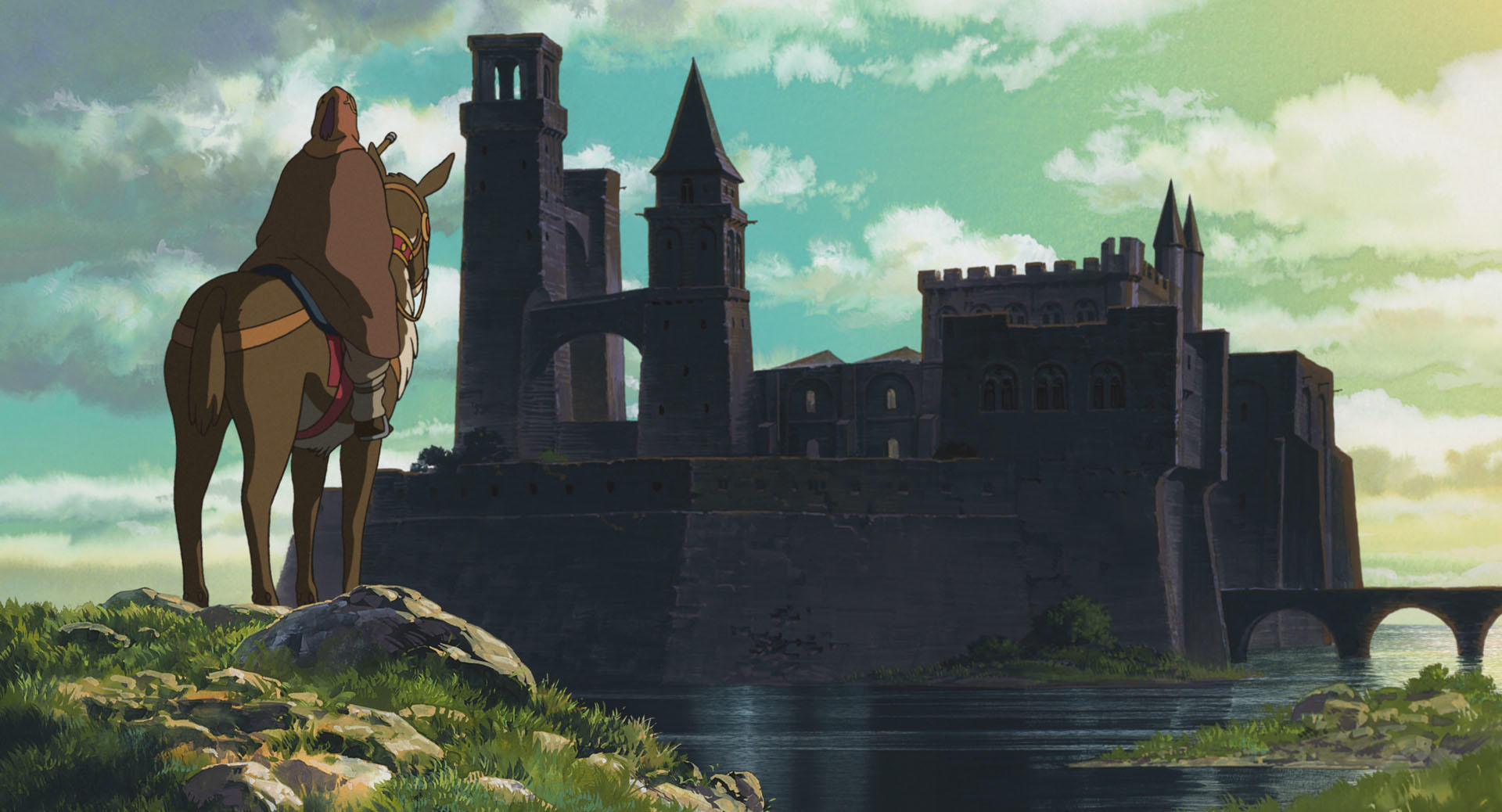
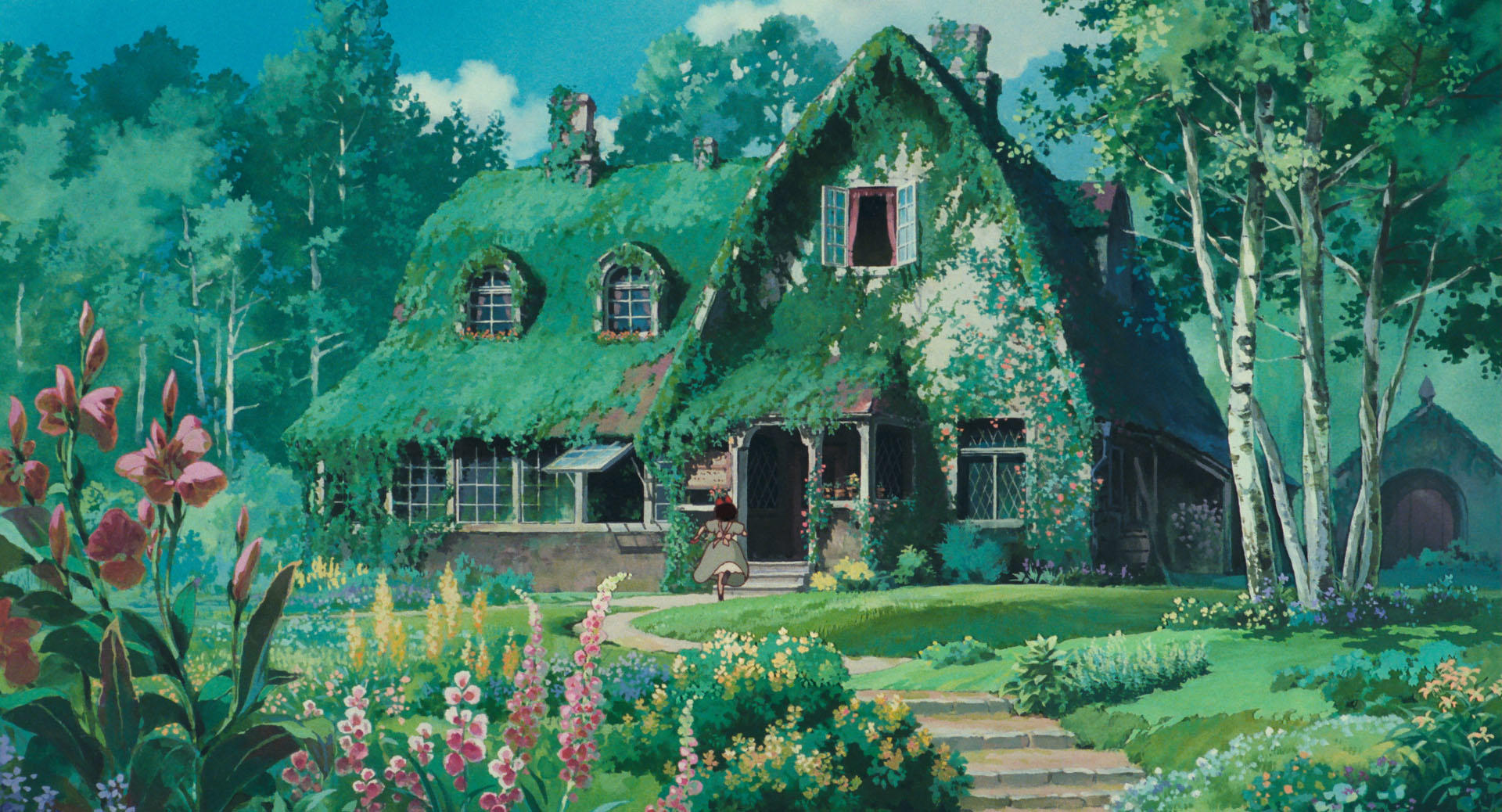
Sometimes they arrive after much adventure. Sometimes arriving is a discovery. Sometimes it's not an end but the beginning of something. Sometimes it's a departure. They all look forward, taking us with them, into whatever awaits.
To nitpick a bit, I'd say there is something that is "placed outside the stylesheet".
Now, arguably it's not a "number or word that appears in the output", that's true, but it is a part of the logic of FizzBuzz. It's the fact that there are 100 and exactly 100 <li> elements in the HTML part.
I mean, it wouldn't be a correct FizzBuzz without precisely that HTML. Having exactly 100 <li> elements is implementing the part of the logic that a. loops, and b. stops at 100.
But of course this is just nitpicking, as I said ;)
That's strange, which OS? I am on Arch and also on 145 and I get the "Ask an AI Chatbot" in the context menu. The settings used to work in the past so I am not sure what's going on.
I believe these are all the settings I have disabled for AI:
I think you're both right. But there are two ways to do what you said and you didn't specify which one.
First, a rectangle of height 1 and width 1/2. The perimeter is 1 * 2 + 1/2 * 2, two sides of height 1 and two sides of width 1/2.
You "glue" the second rectangle. As one may understand this, you glue them by putting them one beside the other standing up, i.e. you glue them along one of the heights. Sorry for the crude ascii art:
Now you have a single rectangle, height 1, and width 1/2 + 1/4. The perimeter is 1 * 2 + (1/2+1/4) * 2. The "added perimeter" in this step is just 1/4 * 2 = 1/2.
Go on doing that and for a rectangle of width 1/n, you only add 2 * 1/n to the perimeter. In the end you get a single rectangle with height 1 and width 2. The perimeter is 2 * 1 + 2 * 2.
---
Now, maybe, you may want to specify that you glue the rectangles along their widths, not their heights.
That way, the resulting shape when you add the second rectangle is not a rectangle but an irregular shape with 6 sides. Sorry for the crude ascii art again:
The added perimeter now is exactly 2 * 1 on each step. Now the final perimeter is infinite but the area is not.
But you didn't specify this option over the other one. And, honestly, if we talk about putting rectangles in a sequence, I think it's more common to think of the rectangles as standing up side by side with their heights together as in the first option. For the second option I would describe the rectangles as having a fixed width of 1 and decreasing heights.
If you were expecting it to show up in the front page or in /show those get ranked on various "interest" factors. Your post has just a single point (the default submission point), which means people didn't find it sufficiently interesting and so it won't show up there. Sorry.
Noted. I can see it on the link you shared.
Earlier, I did check until the last page (90+ items) and did not find it. I then checked couple of more times thinking I made mistake. I see that you're using /shownew, I used /show link.




reply